
Professional Computer Cleaning In Muncie, IN
Keep Your Computer Clean And Thermally Efficient
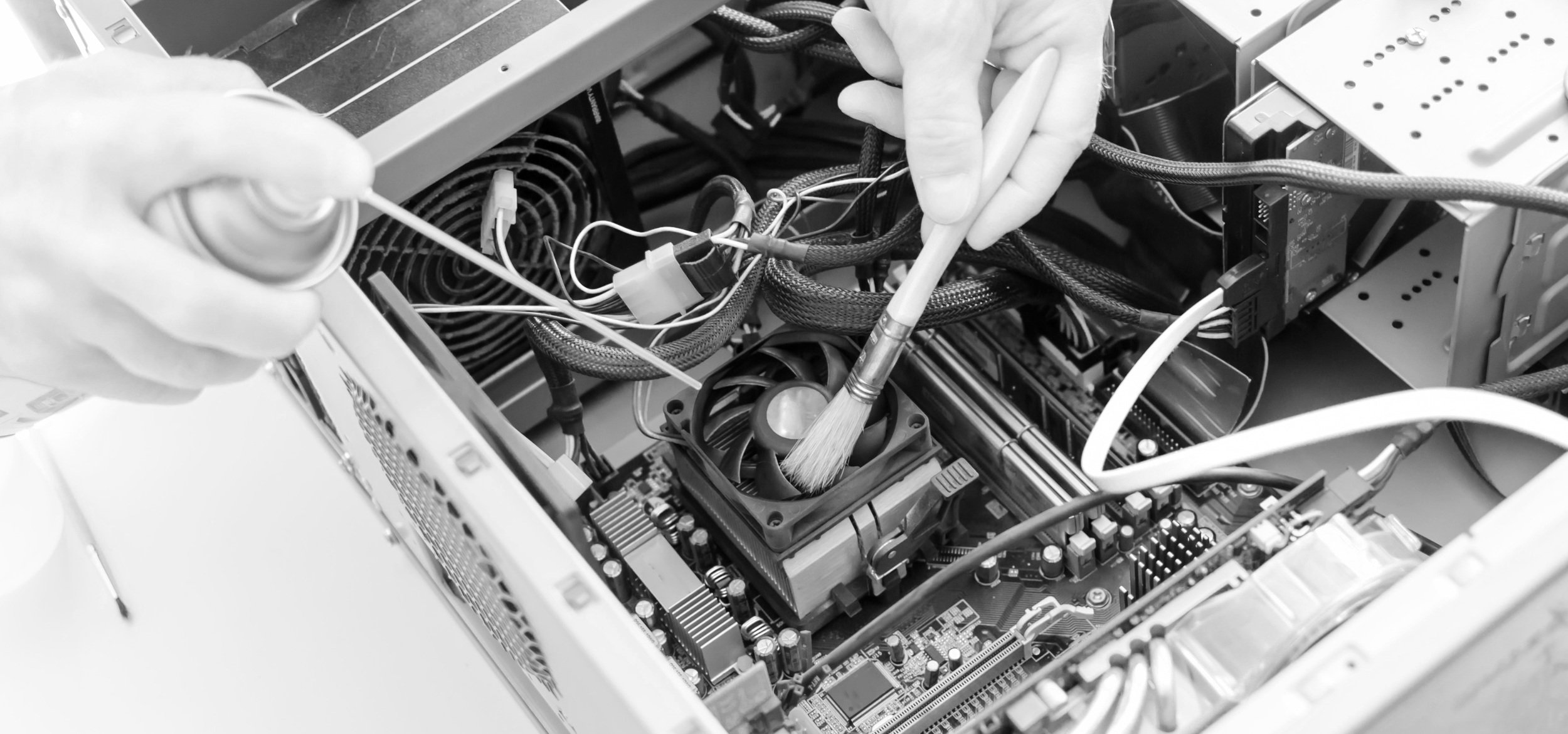
Internal Dust Removal – Safely clean internal components, including fans, heat sinks, and power supplies.
Thermal Paste Replacement – Refresh old thermal paste to improve CPU and GPU cooling.
Fan and Vent Cleaning – Remove blockages that restrict airflow and cause overheating.
External Surface Cleaning – Clean screens, keyboards, and external components to remove grime and bacteria.
Cable and Port Maintenance – Clear out dust from ports and cables to ensure proper connectivity.
Signs Your Computer Needs Cleaning:
Excessive Fan Noise – Loud or constantly running fans indicate overheating.
Slow Performance – Dust can cause components to run inefficiently.
Hot to the Touch – Overheating can shorten the lifespan of your CPU, GPU, and power supply.
System Crashes or Freezes – Overheating components may lead to random shutdowns or freezes.
Visible Dust Buildup – Dust around vents and ports is a clear sign it’s time for a cleaning.
Insect InfestationS
At this time we reserve the right to refuse service for any devices that are insect infested. This is a decision made to protect the health of our staff as well to protect the devices of any other clients we may be servicing at a given time.
Protect Your Investment – Schedule a Cleaning Today
A clean computer is a healthy computer. Don’t wait for overheating or hardware failure – let Wiz Kid Tech Repair keep your system in top shape.
📍 Visit us at 2215 S. Madison St., Muncie, IN, or call (765) 372-4190 to schedule your computer cleaning.